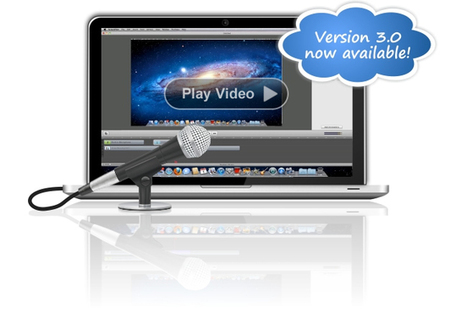

ScreenFlow the king of Mac screencasting tools, has just released a new version rich in new features and options.
Here the main ones:
*Freehand Callouts
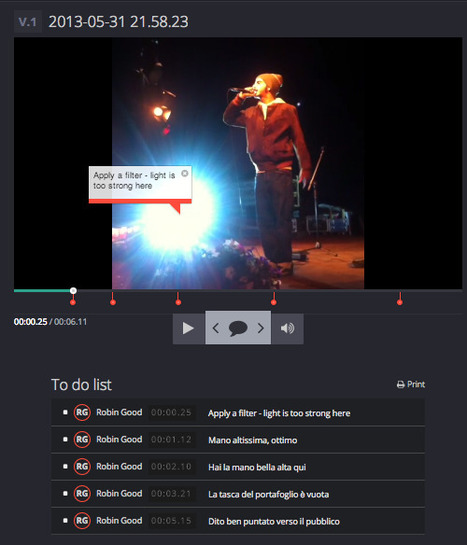
Call out regions of the screen with a freehand paint brush or rectangle tool. Blur out sensitive data or create a highlighted box to call out content on screen.
*Video Annotations
Draw circles, squares, lines and arrows over your video content. Add movement and transitions to your annotations.
*Timeline Enhancements
Reorder, delete and resize the height of your tracks; group clips; insert gaps; select and remove gaps, and many more improvements make editing your screencast easy and intuitive.
*Powerful Audio Quality Controls
New audio filters offer greater control of the quality of audio clips. Remove background noise and smooth volume levels for better sound quality. View audio waveforms and clipped audio peaks to see the effects of volume changes instantaneously.
*Export Settings Improvements
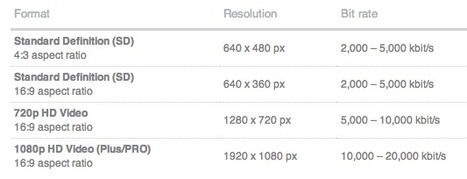
New export settings include an iPad export preset and Publish to Vimeo option. Additionally, you can now create and save your own customized export settings.
*OS X Lion-compatible features
Supports key new Lion capabilities such as Automatic Save, overlay scrollbars and full screen viewing.
Recommended for all screencast-makers and video presenters.
Find out more: http://www.telestream.net/screen-flow/overview.htm


 Your new post is loading...